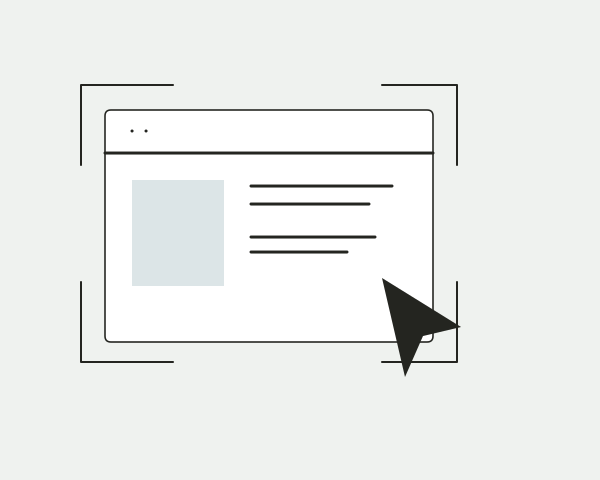
Start with the work.
Bring a page or a file into a review. Keep the captured state separate from whatever the live site does next.
Website, image, and document feedback. Right where the work happens.
Free during the beta. Projects are invite-only.
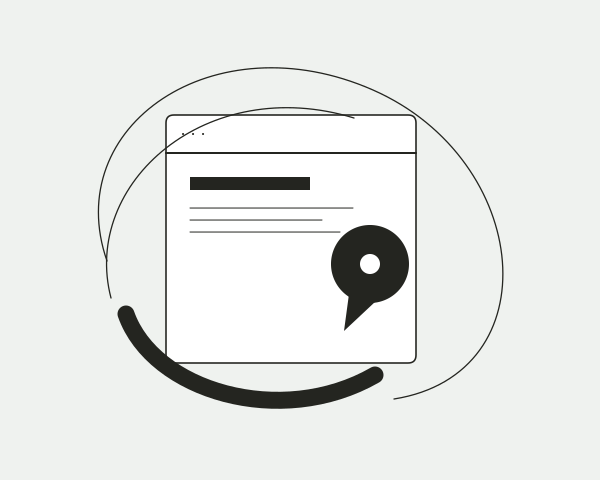



A fictional working view. Changes stay in this preview.
Open your workspaceA comment belongs to a place. Keep the conversation close to the work, and give everyone a clear next step.
Bring a page or a file into a review. Keep the captured state separate from whatever the live site does next.

Point to a detail. Keep its conversation, replies, and resolution in the same context.
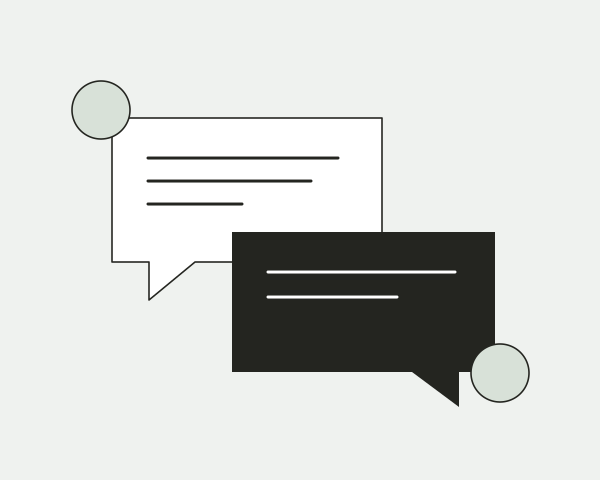
Resolve or reopen feedback against the version reviewed. Keep the thread in the record.
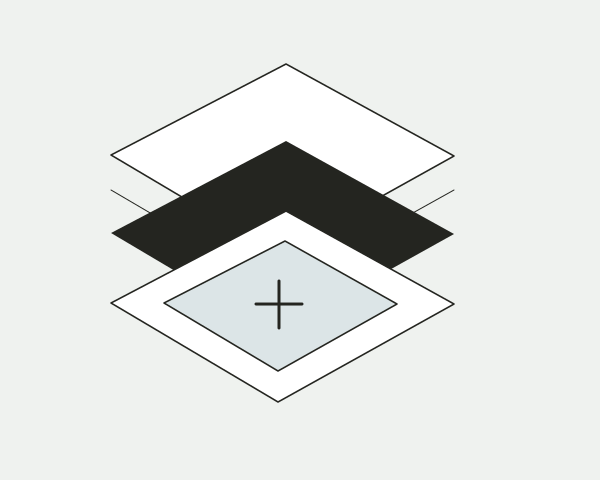
A saved release holds the version the reviewer saw. A new capture arrives as a draft, while original evidence stays with its feedback.
How review versions workFrom a first look to the final detail.
02Share a clear version and keep the conversation beside it.
03A saved review is a snapshot, not a connected shop.
04A page, a detail, a shared point of view.
Open the web workspace to review your projects. Browser extension distribution is pending release review. Public iPhone and Mac installers are not available here.
Velo captures a website, image or PDF and keeps feedback beside the work. Pin a specific detail, discuss it in a thread, share a controlled review link and record what was resolved.
A public HTTPS website URL, an image, or a PDF. Website captures keep their route and viewport; images and PDFs carry their own page or region context. A capture does not promise to reproduce every script, animation, signed-in state, font or third-party resource.
An element, a text selection, an image region or the whole page. The target and captured evidence stay with its conversation. Available targeting depends on the kind of material being reviewed.
No. Review comments belong to the captured release, not the source website. A capture is a snapshot; later changes to the source do not silently replace it.
Capture a new version and review the draft before publishing it. Velo keeps the original evidence and shows how open pins fare on the new version. A pin that loses its target asks a person to place it again; it is not silently resolved.
Keep related documents in a project and capture additional pages with their route and viewport attached. Images and PDFs can receive new versions too, so the document keeps its history rather than starting a separate review for every update.
Public review links can be opened by anyone who has the link. Private reviews require access. Posting a pin or a reply follows the review’s commenting policy; opening a link does not automatically grant permission to comment.
A project editor can revoke a link at any time. The link stops opening; the release and its threads stay in the project. Who can open a review and whether comments are allowed are separate controls.
A resolved thread remains part of the record and can be reopened. Decisions refer to the revision reviewed, so an older view cannot overwrite a newer decision.
Velo’s Chrome, Firefox and Safari extensions are built; public distribution is pending release review and, for Safari, signing and notarization. The extension flow lets you choose a project, grant access to a site and anchor notes to eligible page content. Form values, passwords, cookies and page storage are outside its read boundary.
An MCP client such as Codex or Claude connects through Velo’s authorization screen with scoped project access. You can review and revoke its connection. The agent notes in the homepage preview are illustrative examples; the preview does not run an audit or connect an agent.
Velo is free during the beta. You can start with two captures in a session without an account; projects are invite-only during beta. Paid plans and future entitlements are not published. The pricing page records the current availability.
Add a public HTTPS page, image, or PDF. Review terms apply before material is added.